July 8, 2026 · Blog

Pomodoro Technique Guide: Rules, Timer Setup, and Mistakes

Learn the Pomodoro Technique with a practical timer setup—25/5 cycles, breaks, common mistakes, and when to switch to Sprint or Deep Work.

Pomodoro in one paragraph

Work 25 minutes on one task, break 5 minutes, repeat. After four rounds, take a longer break. That is the Pomodoro Technique. A Pomodoro Technique timer simply makes the cadence impossible to negotiate away.

Why the technique still ranks in 2026

Keyword demand for pomodoro technique timer and related queries remains enormous because the method is teachable in a minute and useful for a career. Tools change; the need for a starting gun and a stopping gun does not.

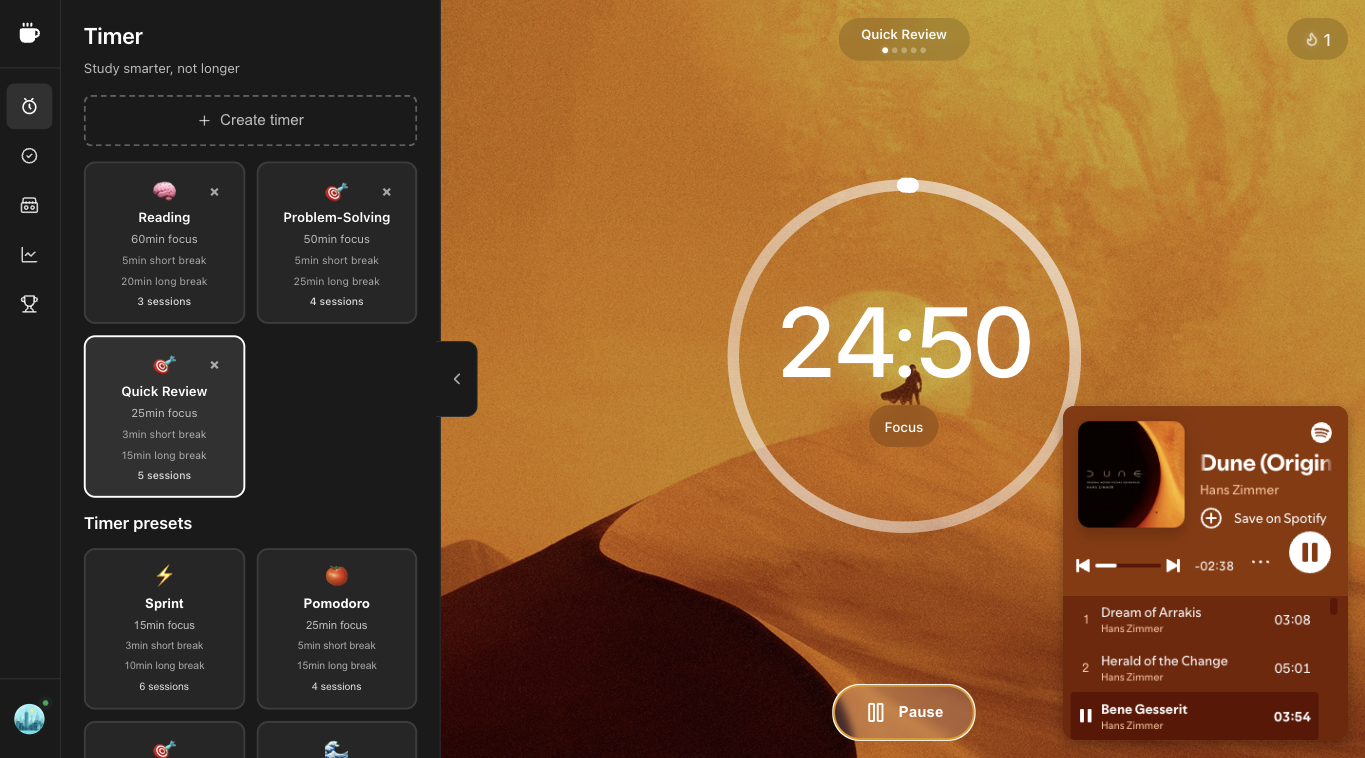
Setup in Superfocus

  1. Open the free online timer.
  2. Select Pomodoro.
  3. Name the task.
  4. Optional: start ambient sound.
  5. Protect the block. Take the break.

Rules worth keeping

Choose the task first. Protect the interval. Take breaks on purpose. Track completed pomodoros weekly. Everything else is optional ideology.

When to break the 25-minute rule

Use Sprint when 25 feels impossible. Use Flow or Deep Work when 25 chops useful immersion. The technique is the cadence of work and recovery—not a religious attachment to one number.

Mistakes

  • Multitasking inside the tomato
  • Skipping breaks to “catch up”
  • Restarting after every notification instead of noting and returning
  • Buying a new app instead of finishing four pomodoros

Deep dive: Pomodoro Technique timer page.

Planning with pomodoros

Estimate tasks in pomodoros, not hours, when work is interruptible. A report might be six pomodoros; a bugfix might be two. Estimates will be wrong at first—that is fine. The point is making effort visible before the day evaporates.

Interruptions protocol

Internal interruption (you remember an email): note it on paper, return. External interruption (someone asks a “sec”): inform them you are in a pomodoro, schedule the chat for the break, or end the pomodoro deliberately if true urgency. Ending deliberately is better than fake-focusing while half-listening.

Tools

Any countdown can work. A dedicated Pomodoro Technique timer reduces negotiation. Superfocus adds presets when life does not fit 25 minutes. Read the full spoke: Pomodoro Technique timer.

Sample day using the Pomodoro Technique

09:00–09:25 Draft outline. Break. 09:30–09:55 Expand section one. Break. 10:00–10:25 Edit. Break. 10:30–10:55 Email batch. Long break. Afternoon: two Sprint blocks for admin, then a Flow block for the hard problem. The shape matters more than copying someone else’s schedule screenshot.

Teaching Pomodoro to a team

Agree on visible focus blocks on the calendar. Respect others’ tomatoes the way you respect meetings. Share a common timer link or tool so “I’m in a pomodoro” is understandable English, not jargon. Superfocus works as a shared reference point because anyone can open the browser timer without an install battle.