July 5, 2026 · Blog

Free Focus Timer and Study Timer Online (How to Use Them Well)

How to use a free focus timer and study timer online—presets, breaks, ambient sound, and habits that actually stick for work and exams.

Two searches, one job

“Focus timer” and “study timer” are sibling intents. Both want a free online countdown that turns intention into a closed session. Students say study timer; professionals say focus timer; the underlying need is protected attention.

Free online beats download friction

When motivation is fragile, install walls kill sessions. A browser focus timer you can open now wins. Superfocus is free to start for that reason.

Study timer playbook

Name the chapter or problem set. Use Sprint or Pomodoro. Add lofi if the dorm is loud. Take breaks away from feeds. Alternate learning and retrieval blocks.

Focus timer playbook

Name the outcome. Mute chat. Match preset to energy. Count finished blocks weekly, not hours the laptop was open.

Make it stick

Same tool for fourteen days. Same first preset. Same starting ritual (sound + task name). Habit first, optimization later.

More: study timer, focus timer.

Presets cheat sheet

  • Sprint 15 — start ugly work
  • Pomodoro 25 — default study/work
  • Flow 45 — essays and features
  • Deep Work 90 — protected calendar blocks

Ambient sound without rabbit holes

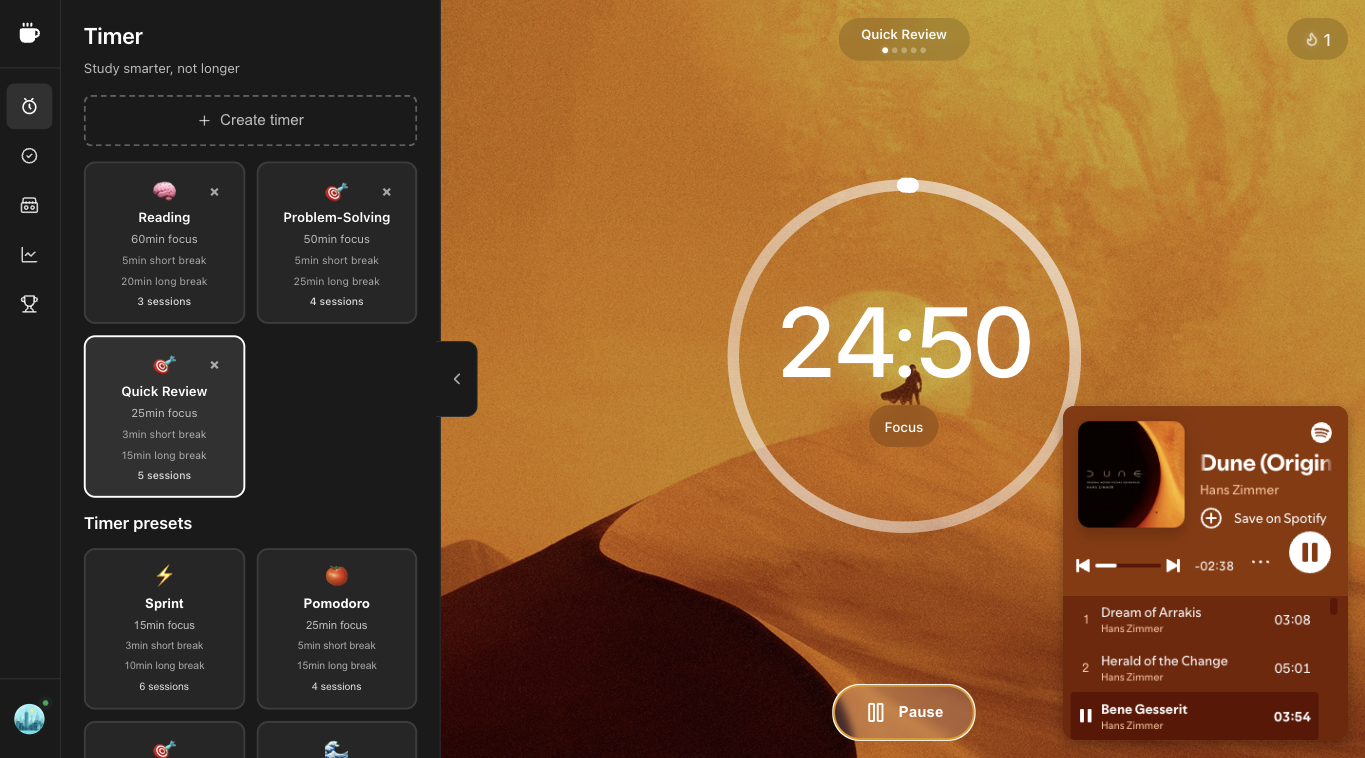
Use built-in cassettes or Spotify inside the timer. Avoid video platforms during the block. The free focus timer should reduce destinations, not add a concert tab.

Weekly review (10 minutes)

Count sessions. Note which preset stuck. Cut one distraction source next week. That review turns a free study timer online into a system.

Examples: study night vs work morning

Study night: Sprint warm-up on flashcards, three Pomodoros on the textbook, Flow for practice exam, lofi cassette locked. Phone in another room.

Work morning: one Pomodoro for inbox triage (yes, timed), two Flow blocks for the project, Deep Work only if the calendar is truly clear. Rain if the open office is loud.

Tracking without obsession

Check weekly totals, not minute-by-minute dashboards. A free focus timer should reduce anxiety, not create a new scoreboard addiction. If stats stress you out, hide them and count paper tally marks instead.