 Superfocus
The call starts in ten minutes. You haven't looked at the deck.
Back-to-back meetings leave no gap to think. You show up unprepared and improvise your way through.
The stall
- Join call. Realize you're lost.
- Smile and wing it. Again.
- Reputation erodes quietly.
The block
- 15 minutes before every call.
- Review deck. Write one note.
- Show up sharp.
Suggested Superfocus preset: Sprint or Pomodoro
How to run a timer for meeting prep session
- Name one outcome. “Study chapter 4” or “write the intro,” not “be productive.” Vague tasks are why people search how to focus and still open Slack.
- Pick Sprint or Pomodoro. If starting feels heavy, cut the block in half. A finished 15-minute sprint beats a abandoned 25-minute pomodoro.
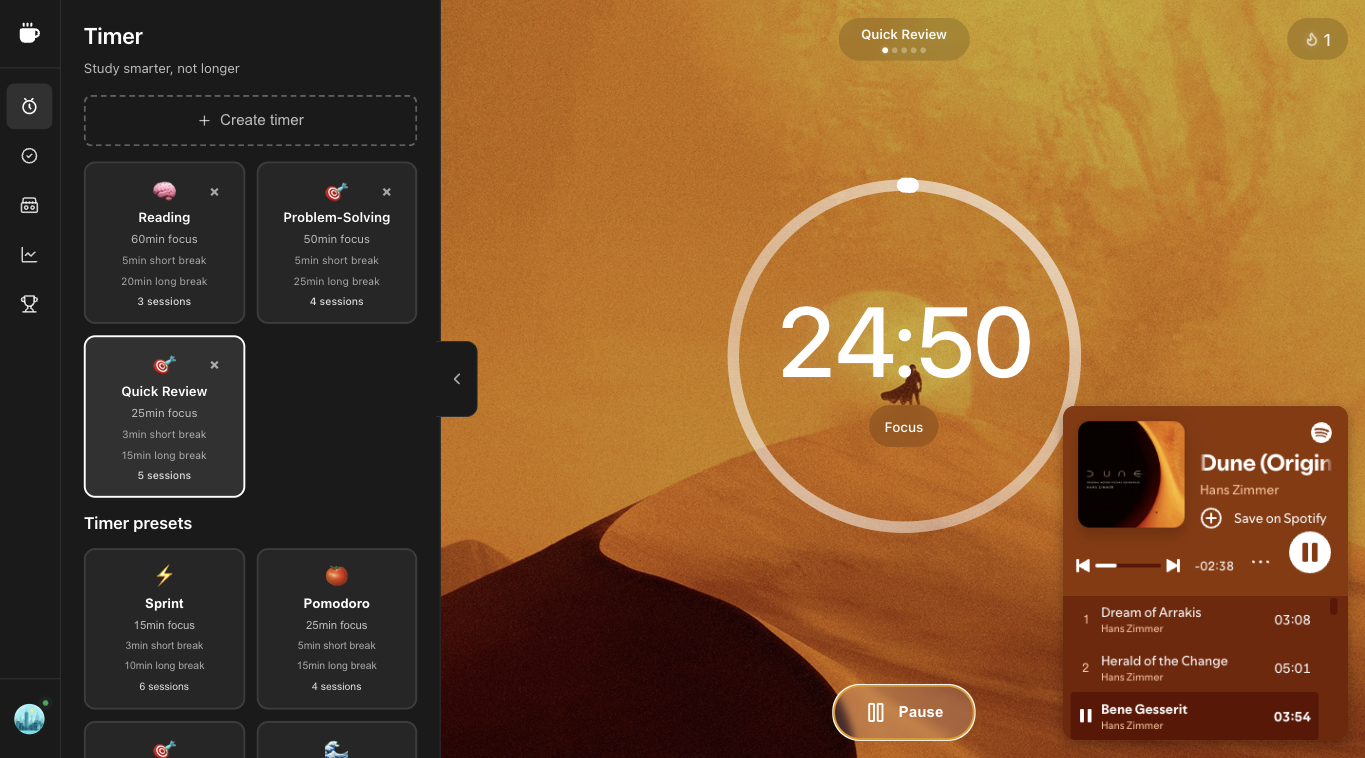
- Start the Superfocus timer and optionally a cassette (lofi, rain, white noise) in the same tab. Do not open a second “study with me” video.
- When it rings, stand up. The break is part of the pomodoro technique, not optional chrome. Then start the next block or stop for the day.
A realistic timer for meeting prep block
Before the session: close extra tabs, put the phone face down, write the next physical action on the Superfocus task. During the session: only that action. After: log whether the block produced a sentence, a problem set, or a commit — not a vibe.
Students searching study timer or how to stay focused while studying usually fail because YouTube becomes the timer. Keep sound inside Superfocus. Workers searching focus timer usually fail because Slack is the default app. Treat the Superfocus clock like a meeting you already accepted.
Mistakes that make the call starts in ten minutes. you haven't looked at the deck. feel useless
- Stacking three tools: a tomato timer, Spotify, and a task app. Context switching is the product.
- Skipping breaks until you crash. Cirillo’s pomodoro technique uses 5-minute pauses on purpose.
- Judging the day by hours in a chair instead of finished blocks. Superfocus analytics count completed sessions, not tab time.
- Forcing 25/5 when the work is a 90-minute deep-work problem — or forcing 90 minutes when you cannot start.
Why use Superfocus instead of a kitchen timer
A kitchen timer or a silent chrome pomodoro extension only answers “when does this end?” Superfocus also holds the task, ambient sound, and a record of what you actually finished. That is the gap between a tomato timer novelty and a study timer or focus timer you will reopen tomorrow.
Related searches we designed for: pomodoro timer online, pomodoro technique timer, study timer, and focus timer — not a new productivity religion. One browser tab. $1.99/month after a 7-day trial. There is no free plan.
What Superfocus costs
There is no free plan and no guest timer. Premium is $1.99/month after a 7-day trial. Subscribe, then run timer for meeting prep at /app. If you only need a countdown, keep a kitchen timer or phone clock — do not pay $1.99/month for that.
Questions people actually ask
What is a timer for meeting prep?
The call starts in ten minutes. You haven't looked at the deck. is a timed focus block you run in the browser. Superfocus keeps the clock, one task, and optional sound in the same tab so you do not bounce to YouTube or another timer.
Do I need the classic 25/5 Pomodoro?
Only if it fits the work. Superfocus ships Pomodoro 25/5, Sprint, Flow, and Deep Work. Pick the shortest block you will actually start, then lengthen once the first session finishes.
How much does Superfocus cost?
Premium is $1.99/month after a 7-day trial. There is no guest timer and no free plan. Subscribe, then use the timer at /app.
Keep going
Run this in Superfocus
One plan. $1.99/month after a 7-day trial. No free plan. Timer lives at /app after you subscribe.