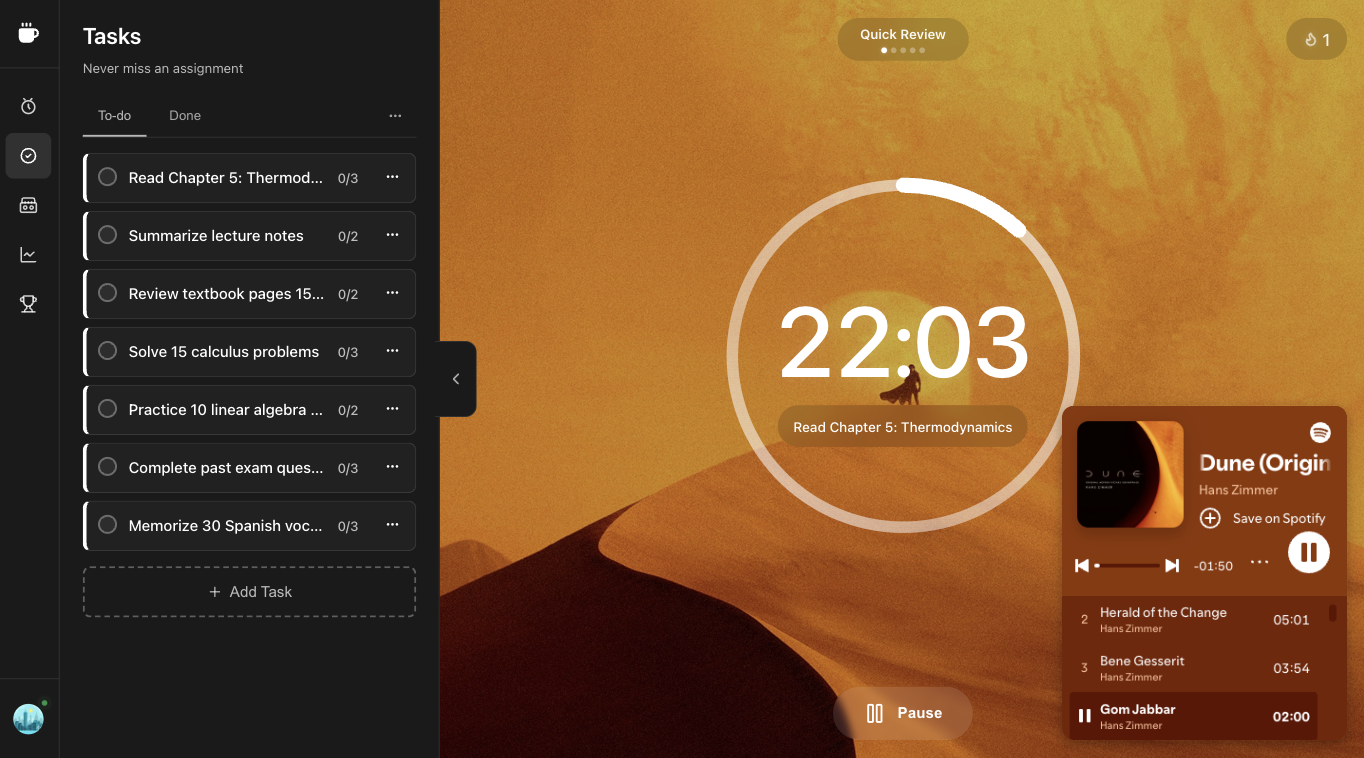
Tasks

Track your tasks and get things done

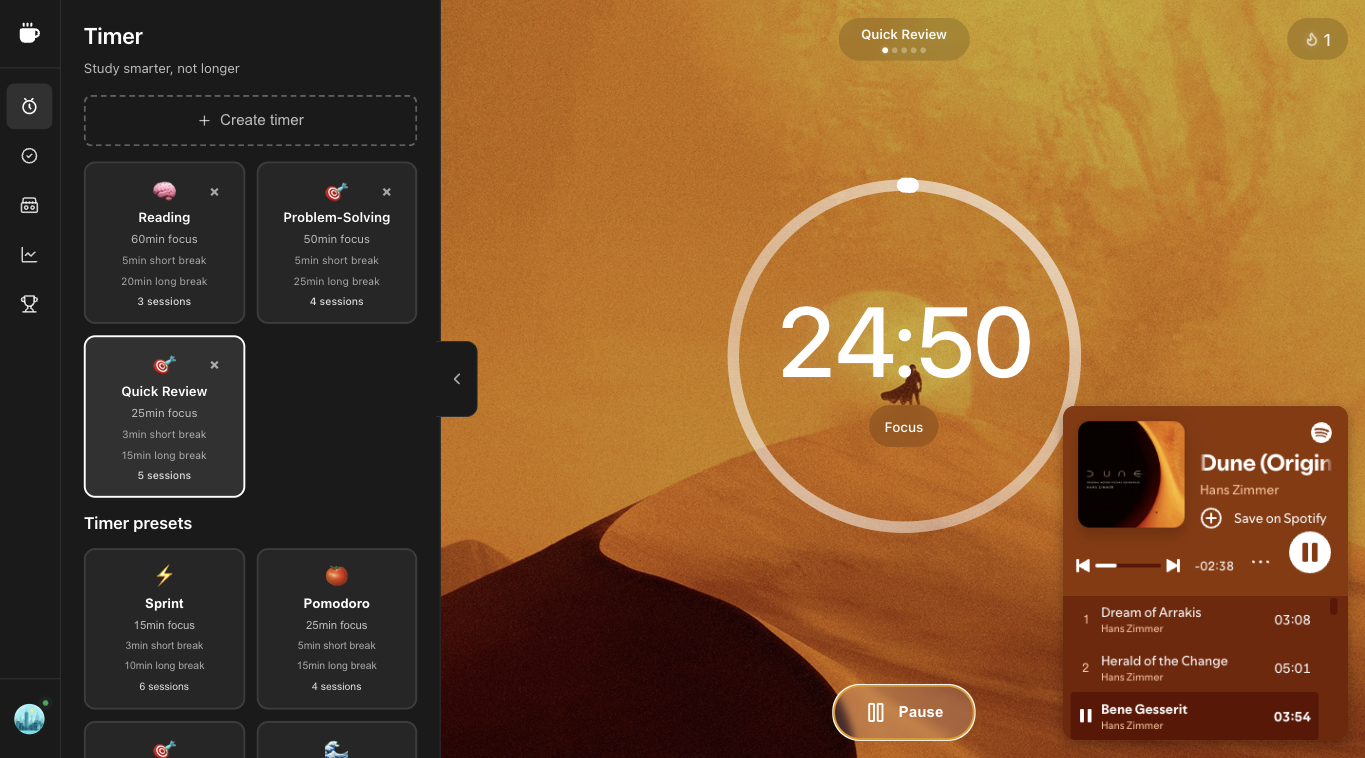
Timers

Focus sessions and breaks

Timer presets

Duration

min
min
min
sesh

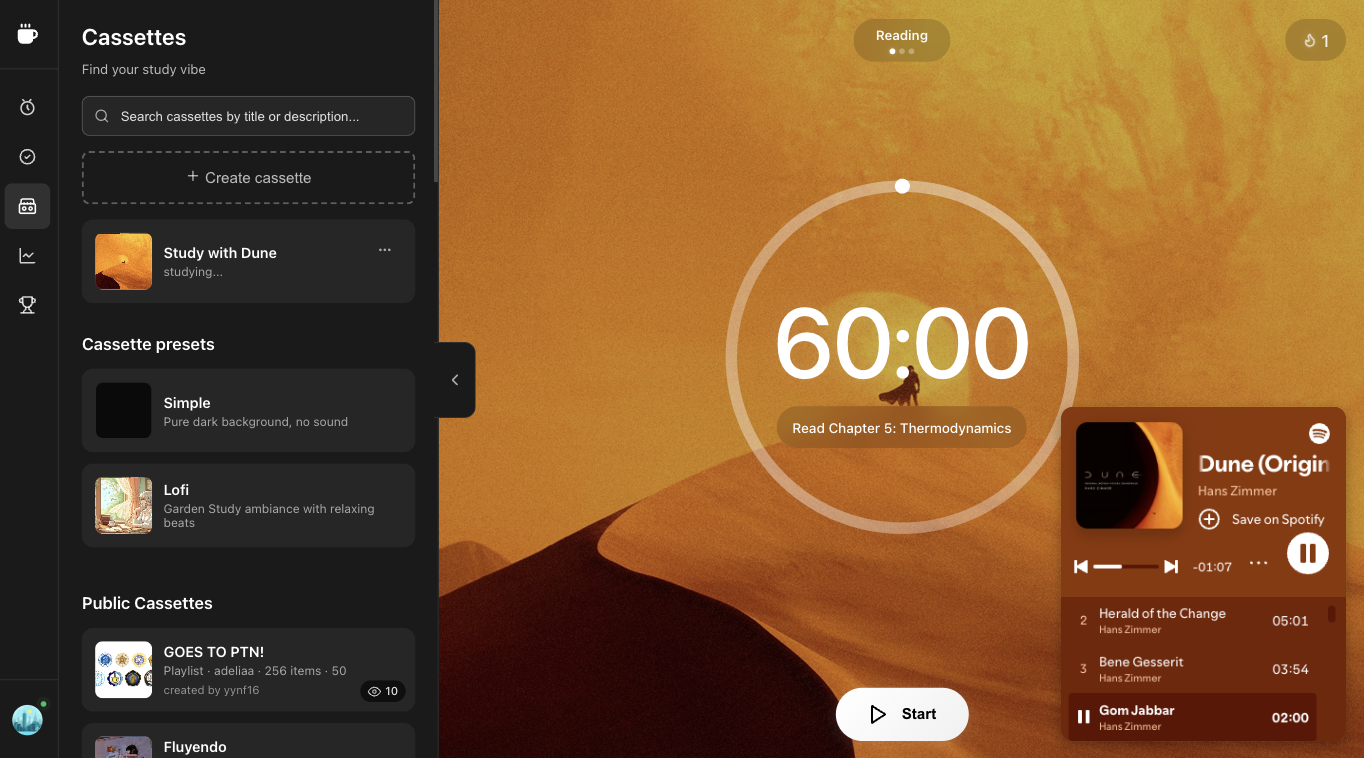
Cassettes

Ambient sounds and focus environments

Cassette presets

Simple

Pure dark background, no sound

Lofi

Garden Study ambiance with relaxing beats

Leaderboard

See how you rank and stay motivated

Loading leaderboard...

Productivity Resources

Free content to level up your focus

Analytics

Your focus stats and progress

Loading analytics...

Desktop required

For the best focus experience, please use Superfocus on a desktop or laptop with a screen wider than 1200px.

๐ŸŽฏ

Full Timer Interface

Complete Pomodoro timer with all controls

๐ŸŽจ

Immersive Themes

Background themes

๐Ÿ“Š

Task Management

Full task tracking and productivity features

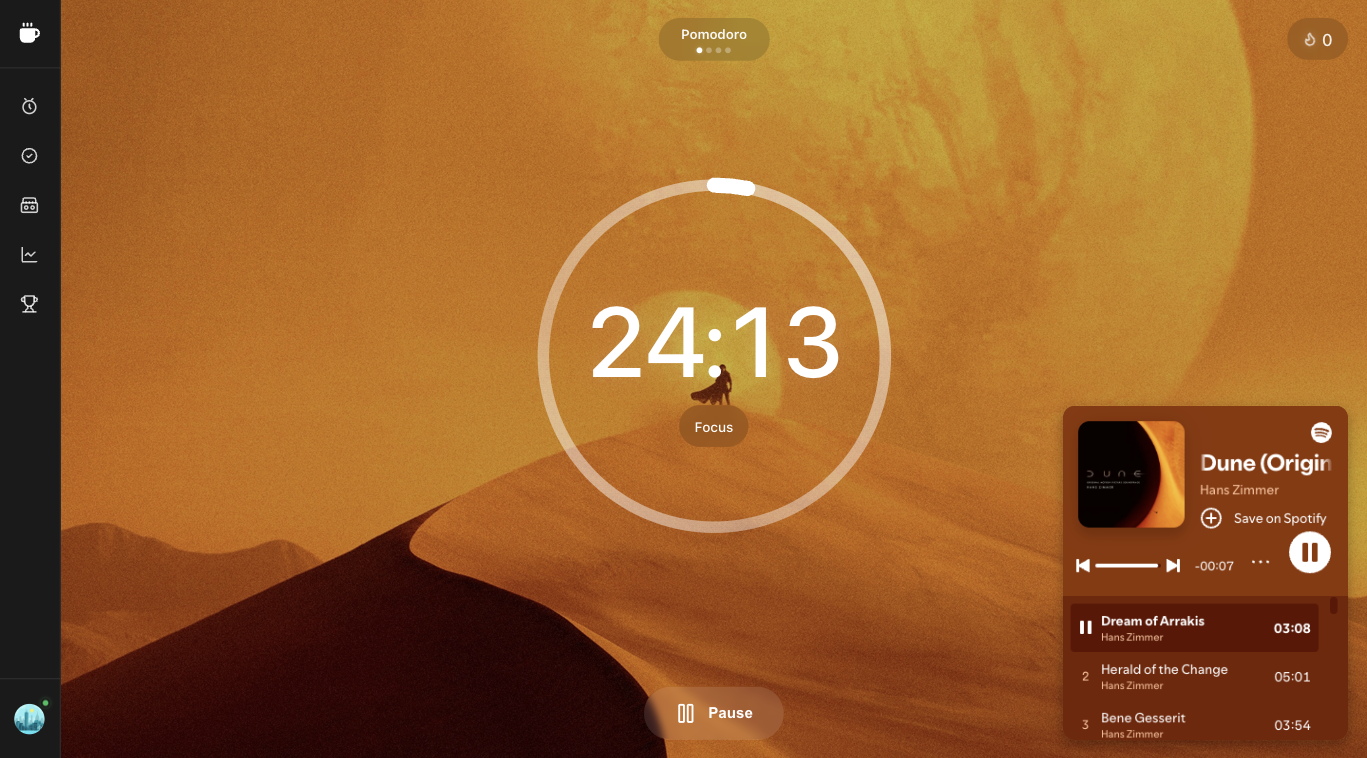
25:00

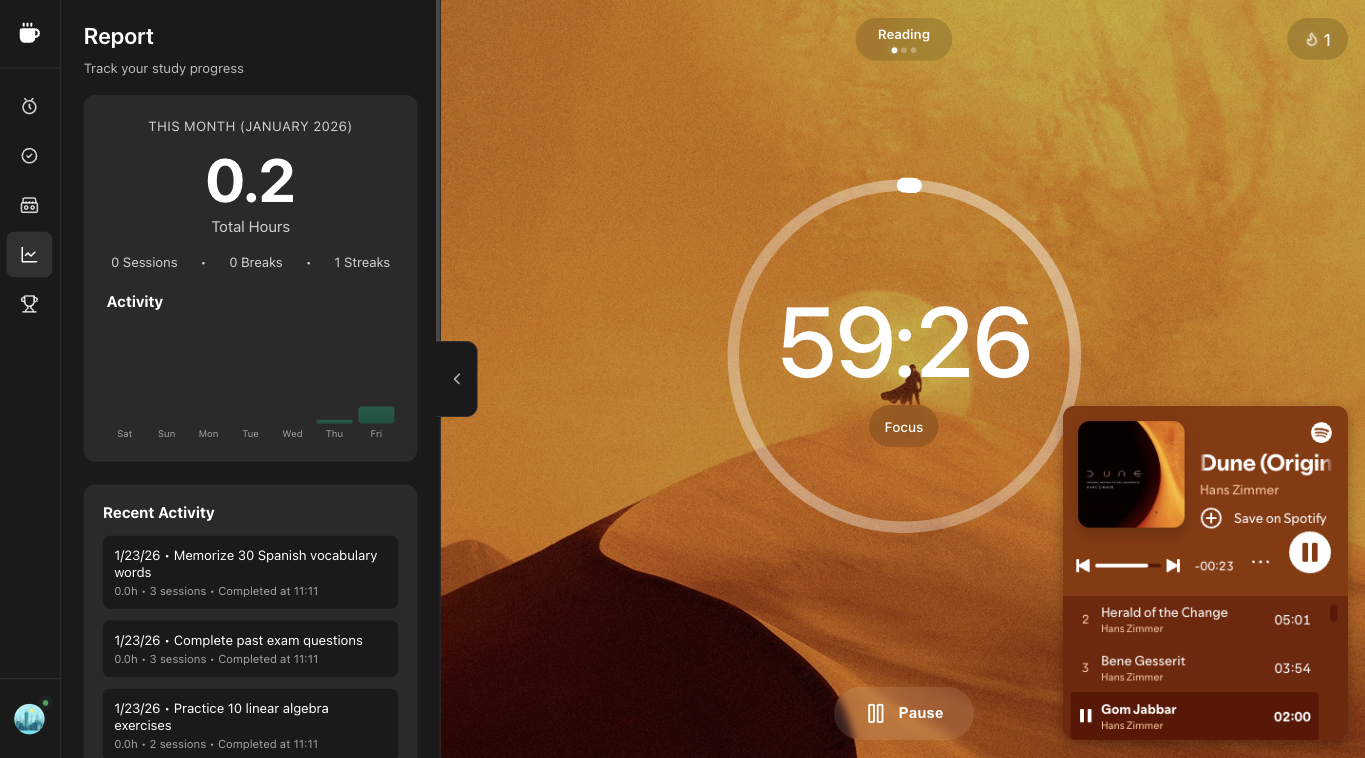
Pomodoro Timer App
for Focus and Time Management

Pomodoro Timer Illustration

What is Superfocus?

Superfocus is a Pomodoro timer app that helps you focus and get more done. Simple time managementโ€”just press start and hyperfocus. It works for studying, writing, or coding. Superfocus builds on the Pomodoro Technique, a time management method developed by Francesco Cirillo.

What is the Pomodoro Technique?

The Pomodoro Technique is a time management method: focus for 25 minutes, take a 5-minute break, repeat. After 4 sessions, take a 15-minute break. Learn more โ†’

This timeboxing method combines 25-minute work intervals with short breaks to sustain focus. Beyond the timer, it includes daily planning, interruption management, and effort estimation. For guides, timers, and the full methodology, visit the official Pomodoroยฎ Technique site.

Benefits

  • Stay focused โ€” 25-minute sessions keep you in deep work mode by aligning with natural attention cycles.
  • Avoid burnout โ€” Regular breaks keep your energy high and help prevent burnout.
  • Track progress โ€” See exactly how much you accomplish and improve your productivity.

How to use the Pomodoro Timer?

  1. Pick your task
  2. Start the timer and focus for 25 minutes
  3. Take a 5-minute break
  4. Repeat 4 times, then take a longer break

Features

  • Timer techniques โ€” Pomodoro, Sprint, Flow State, Deep Work, and Marathon. Choose short sprints or longer deep work sessions.
  • Tasks โ€” Add tasks, assign pomodoros, and track progress.
  • Cassettes โ€” Ambient sounds and visual themes to sustain concentration and block distractions.
  • Analytics โ€” Session history and metrics to build better work habits.
  • Leaderboard โ€” Compete with others and stay motivated.

FAQ

Is Superfocus available on mobile or tablet?

Superfocus is currently optimized for desktop. Tablet and mobile layouts are in development and will be released soon once they're polished and bug-free.

Is Superfocus free?

Yes. Superfocus is free to use. Non-Premium users get 1 hour of focus per day and limited features. Upgrade to Premium for unlimited focus, all timer techniques, and more.

How is Superfocus different from Pomofocus, Brain.fm, or Flocus?

Superfocus combines the best of Pomofocus (simple Pomodoro timer), Brain.fm (focus music and ambient sound), and Flocus (productivity tools) in one appโ€”timer, cassettes, tasks, analytics, and leaderboard.

What problem does Superfocus solve?

Superfocus helps you stay focused, avoid burnout, and track progress. It combines a Pomodoro timer with ambient sounds, task management, and productivity insightsโ€”so you can get into flow, maintain energy, and see how much you accomplish.